
Verify Your Email Address
After you create an account, SidePitch sends a verification email to confirm your email address. You must verify your email before you can access the product.
When you’ll see this page
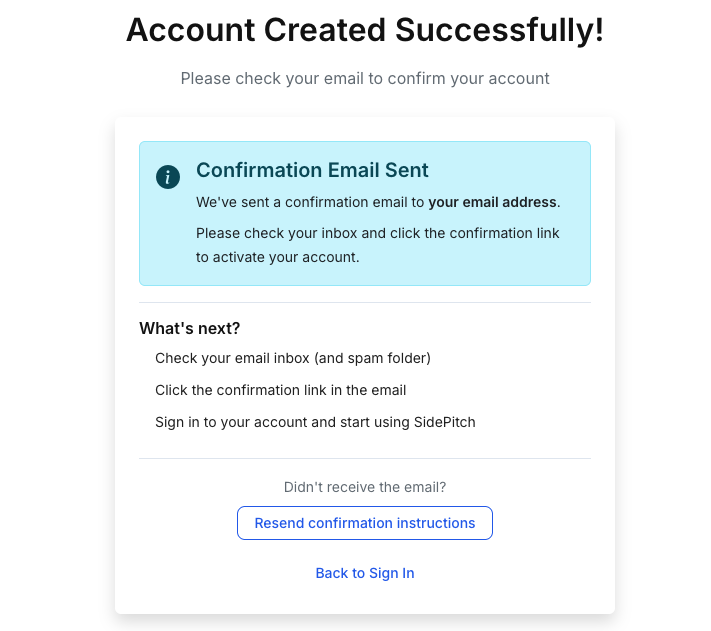
Figure 1 — Account Created Successfully (confirmation email sent)You’ll land on the Account Created Successfully page immediately after completing registration. It confirms that a verification email has been sent to your inbox.
Steps
- Open your email inbox for the address you used during registration.
- Look for an email from SidePitch with a confirmation link.
- Click the confirmation link in the email to activate your account.
- Return to SidePitch and sign in.
Didn’t receive the email?
If you don’t see the email within a few minutes:
- Check your Spam/Junk folder.
- Search your inbox for “SidePitch” or “confirmation”.
- Make sure you registered with the correct email address.
- On this page, click Resend confirmation instructions to send a new verification email.
Navigation options
- Resend confirmation instructions: Sends a new verification email.
- Back to Sign In: Returns you to the sign-in page.