
Investor: Create or Join a Company
After verifying your email and signing in as an Investor, you’ll be prompted to either join an existing company or create a new company. This step sets up your company context so you can access the Investor dashboard features.
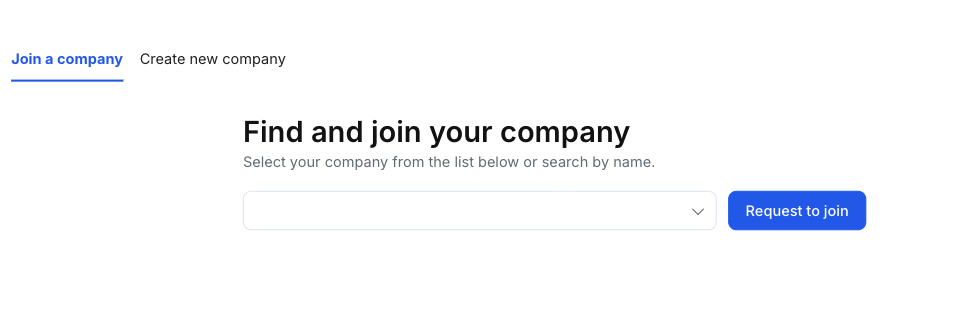
Choose an option
At the top of the page, select one of the tabs:
- Join a company — if your company already exists in SidePitch.
- Create new company — if you are setting up a new investor organization.
Option A: Join an existing company
Use this option when your organization is already set up in SidePitch.
Steps
- Open the Join a company tab.
- Use the company dropdown to select your company (you can search by name).
- Click Request to join.
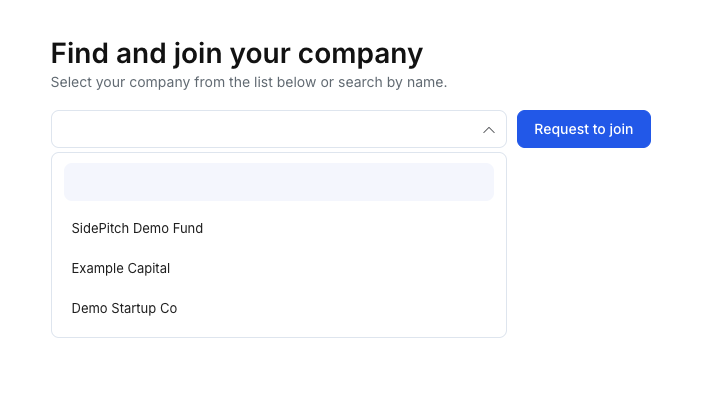
What happens next
- Your request will be submitted to the company for review.
- Access to the company may require approval by a company administrator (if applicable).
Tips
- If you can’t find your company in the list, confirm the spelling or ask your team whether the company has been created in SidePitch.
Option B: Create a new company
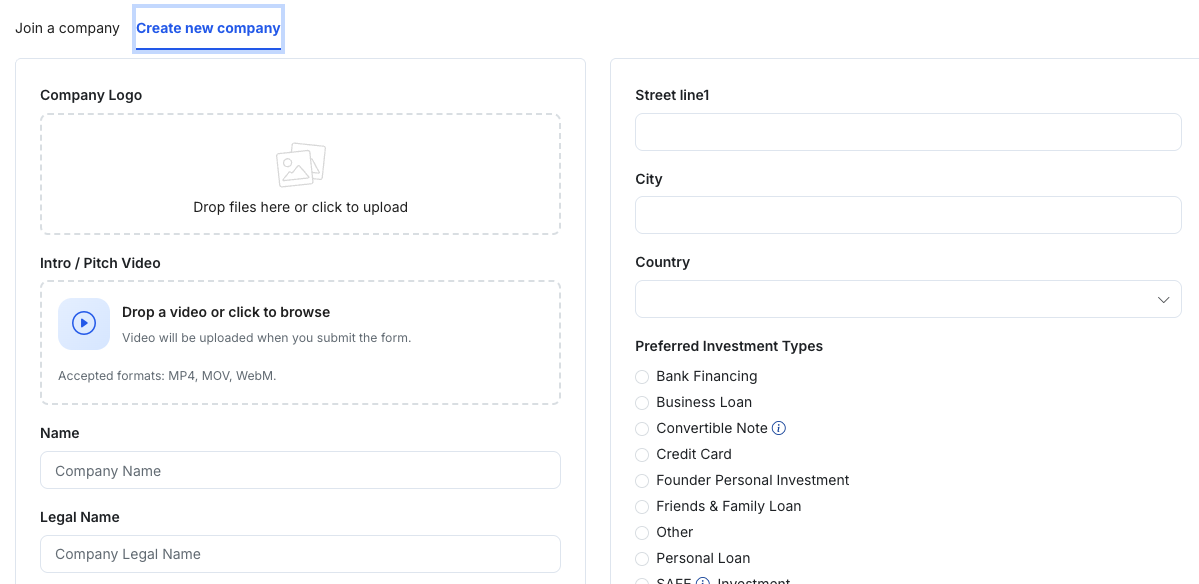
Use this option when your investor organization has not been created yet.
Steps
- Open the Create new company tab.
- Complete the company profile form. Typical information includes:
- Company branding
- Company Logo (upload)
- Intro / Pitch Video (upload; accepted formats include MP4, MOV, WebM)
- Company details
- Name, Legal Name, EIN (if applicable)
- Founded, Incorporation Date
- Structure Type, Incorporation Type
- Website and social links (e.g., LinkedIn, X, Facebook)
- Address
- Street lines, City, State, Postal Code, Country
- Investment preferences
- Preferred Investment Types
- Preferred Deals Looking For
- Preferred Investment Size
- Industries of Interest
- Firm profile
- Firm Description
- Firm Background
- Click Create Investor to submit and create the company.
Tips
- Keep the firm description concise and focused on your investment thesis and target deals.
- If you’re unsure about certain fields (e.g., EIN, incorporation details), you can complete what you know and update later if your product allows editing.
Common issues
- Cannot proceed / button unavailable: Make sure all required fields are filled in and any required dropdowns (e.g., Country/State) are selected.
- Upload fails: Verify the file format and try a smaller file size (especially for video uploads).
- Company not found (Join): Ask your team to confirm the company name or create the company using Create new company.