
Startup Application: Company Data Room
Use Company Data Room to upload and organize documents that support your startup profile and application.
Where to find this
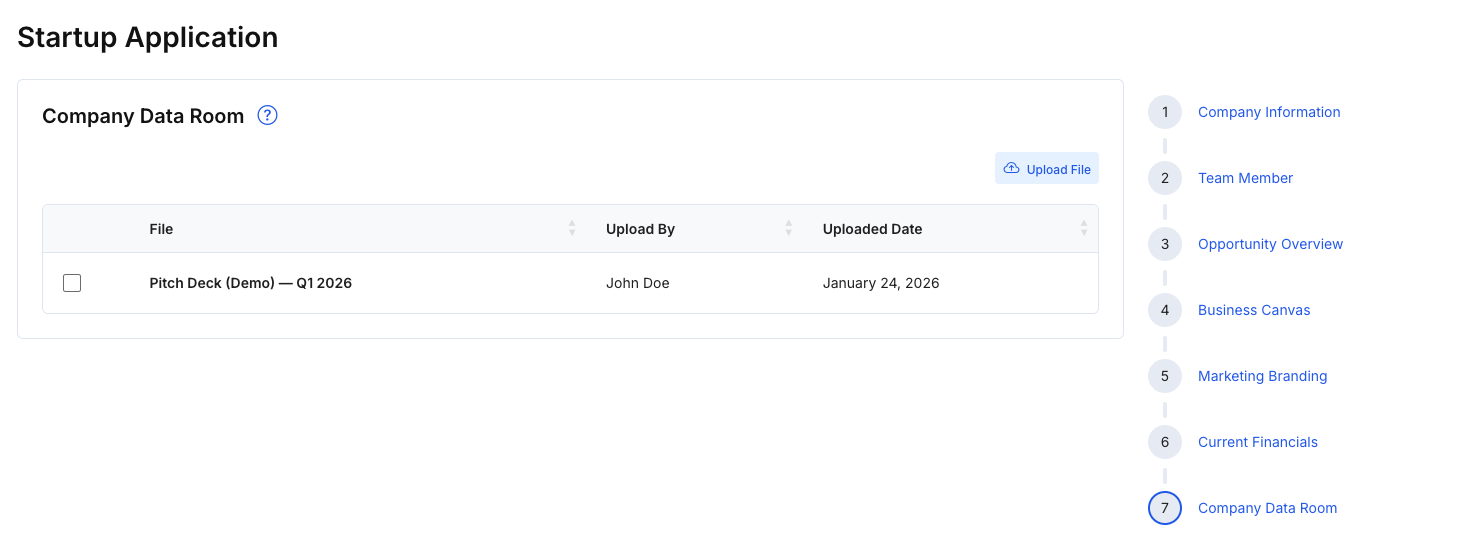
In the right-hand stepper, select 7 — Company Data Room.
Steps
- Click Upload File to add documents to your data room.
- Review uploaded files in the table (File, Upload By, Uploaded Date).
- Click Save changes to confirm updates.
- When ready, click Publish startup to complete the application flow.
Tips
- Upload key documents first (pitch deck, financials, cap table, supporting materials).
- Use clear filenames so investors and reviewers can find documents quickly.
Note
Publishing completes your setup from the application flow. You can return later to update content and documents based on your workflow and permissions.