
Startup Application: Team Member
Use Team Member to add and manage the people associated with your startup profile.
Where to find this
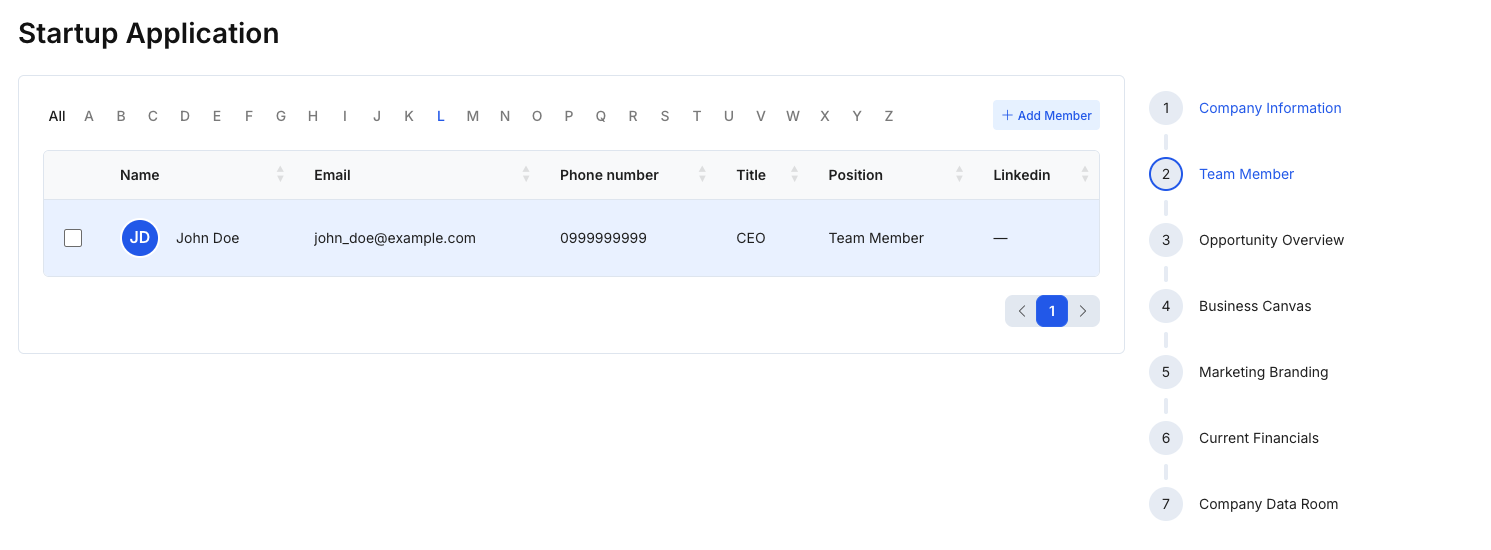
In the right-hand stepper, select 2 — Team Member.
Steps
- Review the existing team list (if any).
- Click Add Member to add a new team member.
- Provide member details (e.g., name, email, phone number, title, position, LinkedIn), as available in your form.
- Click Save changes to save updates.
- Click Next: Opportunity Overview to continue.
Tips
- Add key members first (founders and leadership). You can add additional members later.
- Keep titles and positions consistent for clarity (e.g., “CEO”, “CTO”, “Advisor”).